You have migrated your pages. You have migrated your blog posts. You have mapped your modules, rebuilt your templates, and redirected your URLs. Everything looks good. Then someone fills out a contact form on the new site and nothing happens.
No submission. No CRM record. No notification. The form looks right. It renders correctly. But it is not connected to anything because the form that existed in the source portal does not exist in the destination portal, and the page is still referencing an ID that no longer means anything.
This is the form migration problem. Almost nobody talks about it until they are in the middle of a migration and something breaks.
Forms Are Not Like Other Content
In HubSpot, most content lives at the page level. A blog post is a page. A landing page is a page. You can export them, transform them, and recreate them in a new portal or a new CMS. The content model is complex, but the ownership is clear. The page owns its content.
Forms do not work this way.
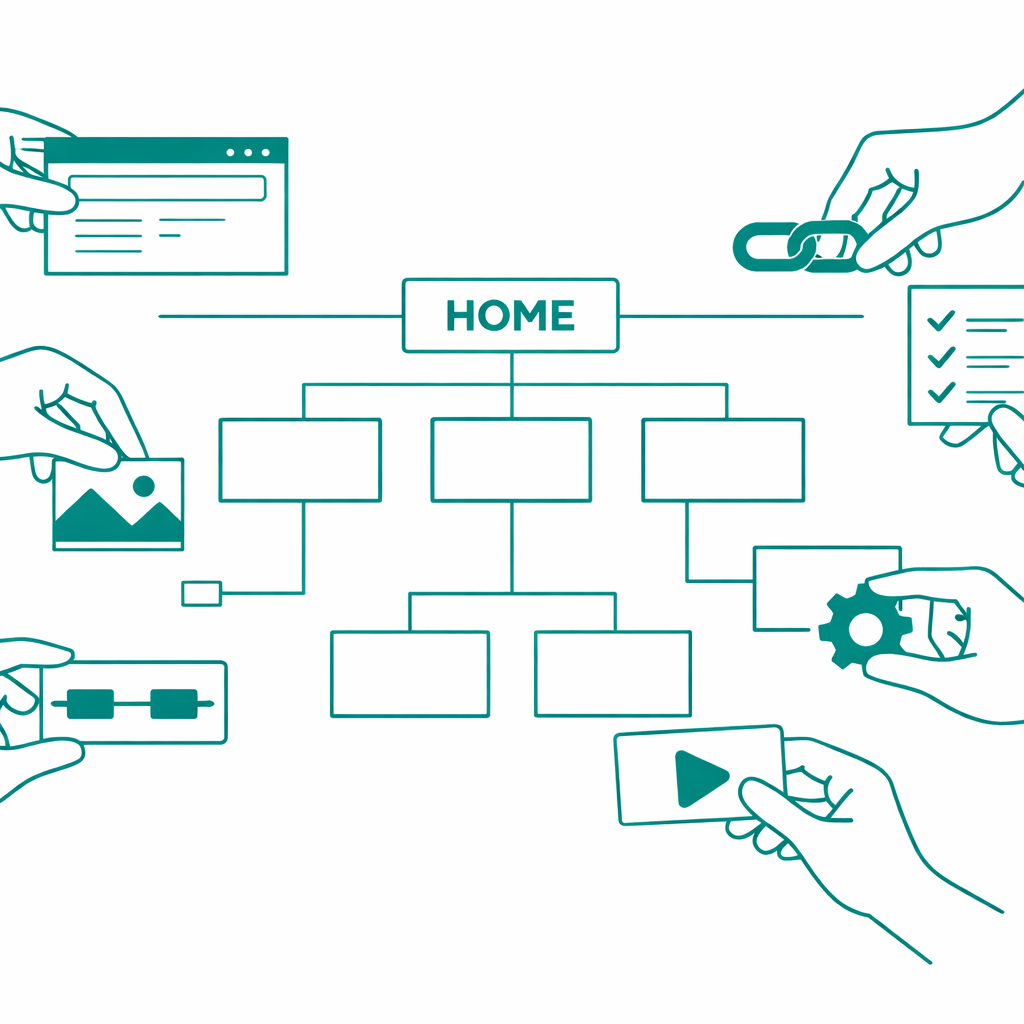
HubSpot forms are portal-level objects. They exist independently of any page. A single form can be embedded on five different landing pages, two blog posts, and a popup. The form itself lives in the Forms tool, and pages reference it by its form ID, a unique identifier tied to that specific portal.
When you migrate content from one HubSpot portal to another, the pages come over with their module data intact. That module data includes form references. But those references point to form IDs that only exist in the source portal. The destination portal has no idea what those IDs mean.
The form does not come with the page. It was never part of the page to begin with.
There Is No Supported Way to Clone a Form Between Portals
This is where most migration teams expect there to be a straightforward solution. Pull the form definition from the source portal, push it to the destination portal, done.
HubSpot does have a clone option in the UI for duplicating a form within the same portal. And the legacy v2 API has an undocumented clone endpoint (POST /forms/v2/forms/{id}/clone), but developers in the HubSpot Community have reported it returns a 500 internal error. The v3 Forms API has no clone endpoint at all. Even if cloning worked reliably, it would only duplicate a form within the same portal. There is no mechanism to clone a form from Portal A into Portal B.
What that means in practice is that every form has to be recreated from scratch in the destination portal. You read the full form definition from the source using the GET endpoint, including every field, every field group, every validation rule, every redirect URL, every notification setting, every submission behavior, every dependent field rule. Then you construct a new form in the destination portal using the POST create endpoint on the Forms API.
The new form gets a new GUID. It has to. It is a different object in a different portal. And that new GUID is the one that every page module needs to reference going forward.
The ID Mapping Problem
Here is where things get genuinely complicated.
A typical HubSpot site might have 30 to 50 forms. A large enterprise site might have 200 or more. Every one of those forms is referenced by ID inside the module JSON of every page that uses it.
When you recreate a form in the destination portal, you get back a new ID. Now you need to find every place in your migrated content where the old ID appears and replace it with the new one.
This is not a simple find-and-replace on a text file. Form IDs are embedded deep inside nested JSON structures within page module data. A single page might have multiple modules, and multiple modules might reference forms. The form ID could appear in a form module, a CTA module, a custom module that someone built three years ago with a form field baked in, or even inside rich text where someone pasted a form embed code.
You need a mapping table. Old form ID to new form ID. And you need that mapping table to be applied across every content type during every phase of the migration that touches page content.
If you are migrating pages in phases, the form mapping has to be available before the first page goes live. If a page publishes with a stale form ID, that form is broken until someone catches it.
What Actually Needs to Happen
The form migration process has a specific sequence that cannot be shortcut.
First, you extract every form definition from the source portal. Not just the form name and fields, but the complete configuration. Field types, field options, required flags, progressive profiling settings, dependent fields, lifecycle stage mappings, notification emails, thank you page redirects, inline messages, GDPR consent fields, submission pipelines, everything.
Second, you recreate each form in the destination portal using the Forms API. This is where edge cases start appearing. Some field types behave differently across portal tiers. Some configurations depend on other portal objects like workflows or lifecycle stages that may not exist in the destination yet. Dependent fields reference other fields by their internal names, and those names need to match exactly.
Third, you build the form map. A structured lookup that pairs every source form ID with its corresponding destination form ID. This map becomes a critical piece of infrastructure for the rest of the migration.
Fourth, you integrate the form map into your content migration pipeline. Every phase that processes page modules, whether it is landing pages, site pages, blog posts, or email templates, needs to check every module's JSON for form ID references and swap them using the map.
Fifth, you validate. After migration, you check every page that contained a form to verify that the form renders, submits correctly, and routes data to the right place in the destination portal.
Why This Breaks Migrations
The reason form migration catches teams off guard is that it sits at the intersection of content migration and CRM migration. Forms are content objects that create CRM records. They live in the content layer but their behavior depends on the CRM layer.
If you are only thinking about content, you miss the CRM dependencies. If you are only thinking about CRM, you miss the content references. The form is the bridge between the two, and most migration plans treat content and CRM as separate workstreams that do not interact until late in the project.
By then, someone has already migrated 500 pages with broken form references.
This connects to a broader pattern we have written about before. CMS audits reveal hidden complexity that teams do not anticipate, and forms are one of the most common surprises. You think you have 20 forms because that is how many you actively manage. The audit reveals 47, including forms created for campaigns that ended two years ago, test forms nobody deleted, and duplicate forms that exist because someone could not find the original.
The Compound Problem With Multi-Portal Migrations
HubSpot-to-HubSpot migrations have their own version of this problem that makes it even harder.
When you move from HubSpot to a different CMS, you are rebuilding everything anyway. Forms get rebuilt as part of the new platform setup. The form IDs do not carry over because the destination is not HubSpot.
But when you move from one HubSpot portal to another, the expectation is that things should "just work" because it is the same platform. They do not. A form ID from Portal A means nothing in Portal B, even though both portals are HubSpot. The API is the same. The form structure is the same. But the IDs are different because they are different databases.
This creates a false sense of simplicity. Teams assume a HubSpot-to-HubSpot migration is easier than a cross-platform migration. In some ways it is. In the case of forms, it is exactly the same amount of work.
What This Means for Migration Tooling
Most CMS migration tools focus on content. Pages, posts, modules, templates, URLs. The content model is the hard part, and the tooling is built around solving that problem.
Forms get treated as an afterthought because they are technically a separate system. The form is not part of the page content model. It is a reference inside a module field. Migration tools that process modules will carry that reference forward without knowing or caring that it points to something that does not exist in the destination.
This is a tooling gap. A proper migration pipeline needs to understand that certain module fields are not just data. They are references to other portal objects. Form IDs, CTA IDs, meeting links, HubDB table IDs. All of these are portal-specific references that break when you move content between portals.
At Smuves, this is exactly the kind of problem we ran into while building our HubSpot-to-HubSpot migration tooling. The solution was a dedicated form mapping layer that sits between the form recreation step and the content migration step. Every form gets recreated first. The map gets built. Then every content phase that follows uses the map to rewrite references in real time.
It is not glamorous work. There is no elegant abstraction that makes form ID mapping disappear. It is a lookup table and a find-and-replace operation applied systematically across every piece of content. But without it, the migration ships with broken forms, and broken forms mean lost leads.
The Checklist Nobody Gives You
Before you start any CMS migration that involves forms, answer these questions.
How many forms exist in the source portal, not how many you think exist, but the actual count from the Forms API? How many of those forms are actively used on live pages? Which forms are embedded through form modules, and which are embedded through custom modules or embed codes? Do any forms have dependencies on portal-specific objects like workflows, lifecycle stage settings, or custom properties that need to exist in the destination before the form can function? What is the mapping between source form IDs and destination form IDs, and at what point in the migration pipeline does that mapping get applied?
If you cannot answer all of those questions before migration day, forms are going to be the thing that breaks.
The Bottom Line
Form migration is not a side task. It is a prerequisite for content migration. Every page that contains a form depends on that form existing and being correctly referenced in the destination portal. Get the form map wrong, and your pages look complete but do not function.
The reason this keeps catching migration teams off guard is that forms sit in the blind spot between content and CRM. They are not pages. They are not CRM records. They are the connective tissue between the two, and connective tissue is always the part that gets overlooked until it tears.
If you are planning a migration, start with the forms. Not the pages. The forms.