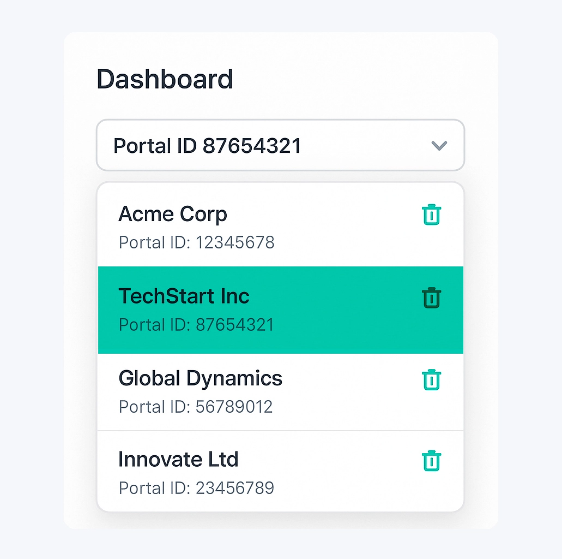
Bulk Editing
Edit thousands of records in minutes
Transform your HubSpot CMS operations with powerful bulk editing capabilities. You can make large-scale content changes safely and efficiently.
 Content Management
Bulk update page titles, meta descriptions, on-page content fields, and URL redirects across your HubSpot CMS website, landing pages, and blogs. Make site-wide content and SEO changes in minutes instead of hours, without exporting or rebuilding content elsewhere.
 CMS Operations
Manage blog posts, landing pages, and website pages at scale with a single, unified view. Update content-related fields and publishing status across hundreds of CMS assets simultaneously, while keeping your existing HubSpot templates and designs intact.
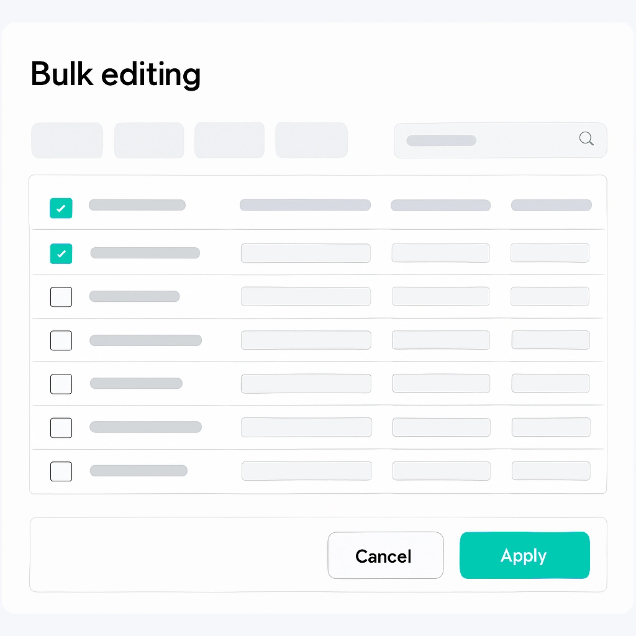

Find & Replace
Intelligent content transformation
Search and replace text across all your HubSpot content with ease. Update URLs, correct typos, or modify repeated content across thousands of pages, blog posts etc in one operation.
 Bulk Text Search
Search across thousands of records in your HubSpot CMS. Find text in pages, blog posts, and other properties instantly.
 Preview Before Apply
See exactly what will change before executing. Review matches, exclude specific items, and ensure accuracy before making changes.
 Double Confirmation
Safety first! Multiple confirmation steps ensure you never accidentally replace the wrong content. Preview and verify before every operation.
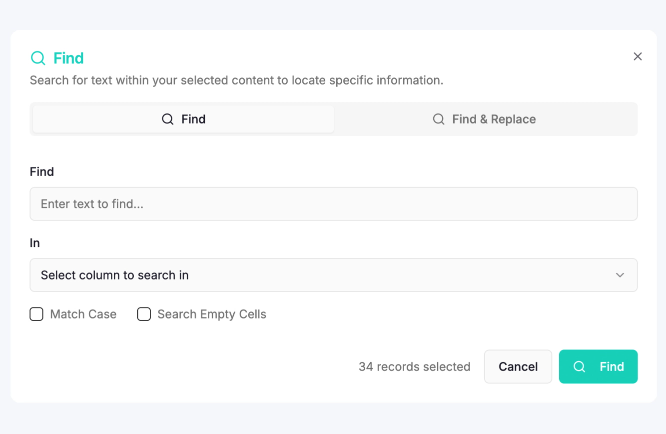

Activity Logs
Complete audit trail of all changes
Never lose track of what changed, when, and by whom. Our comprehensive logging system provides complete visibility into all bulk operations with detailed tracking and searchable history.
 Detailed Change History
Every modification is logged with before/after values, timestamps, and user attribution. Search and filter through months of activity.
 Operation Tracking
Track the status and progress of your bulk operations in real-time. Monitor which operations are running, completed, or require attention.
 Export & Import
One-click export of your HubSpot data to Google Sheets for editing, then import back with ease. Perfect for offline work and collaboration.
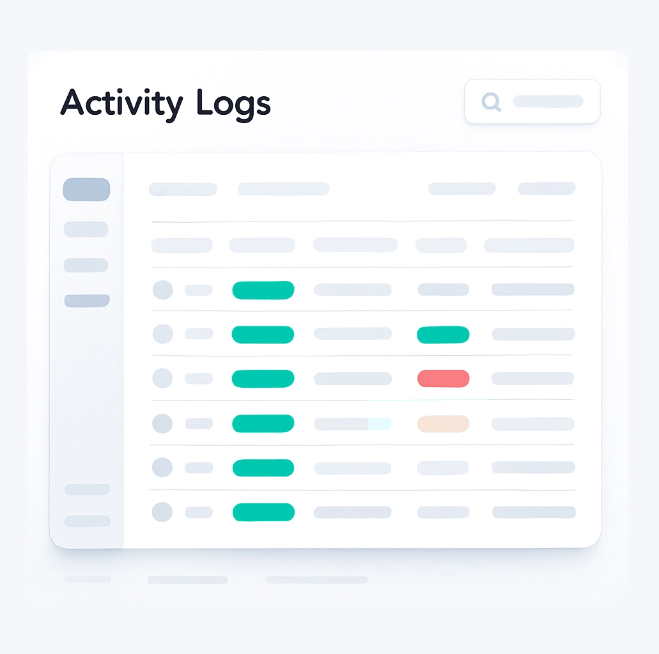

Multi Portal Connections
Manage all your HubSpot portals in one place
Connect and manage multiple HubSpot portals from a single dashboard. Perfect for agencies, multi-brand companies, or teams managing multiple clients. Switch between portals instantly and maintain consistent workflows across all accounts.
 Unified Dashboard
Access all your connected HubSpot portals from one centralized dashboard. No more logging in and out or juggling multiple browser windows.
 Easy Switching
Switch between portals with a single click. Your context and workflow are preserved, making it effortless to work across multiple accounts.