Nobody warns you about this part.
You plan the migration. You map your URLs. You set up redirects. You even run a content audit (if you are one of the rare teams that actually does). And then you start moving content into the new platform, and everything falls apart. Not because the data is missing. Because the structure does not translate.
This is the part of CMS migrations that most agencies gloss over. They talk about moving pages and preserving SEO. They rarely talk about what happens when the way your old CMS organized content is fundamentally different from the way your new CMS expects it.
I have seen this problem up close. And after working through a migration involving thousands of entries, dozens of content types, and multiple languages, I can tell you: content structure is where migrations actually break.
Your Old CMS and Your New CMS Think Differently
Every CMS has its own philosophy about how content should be organized.
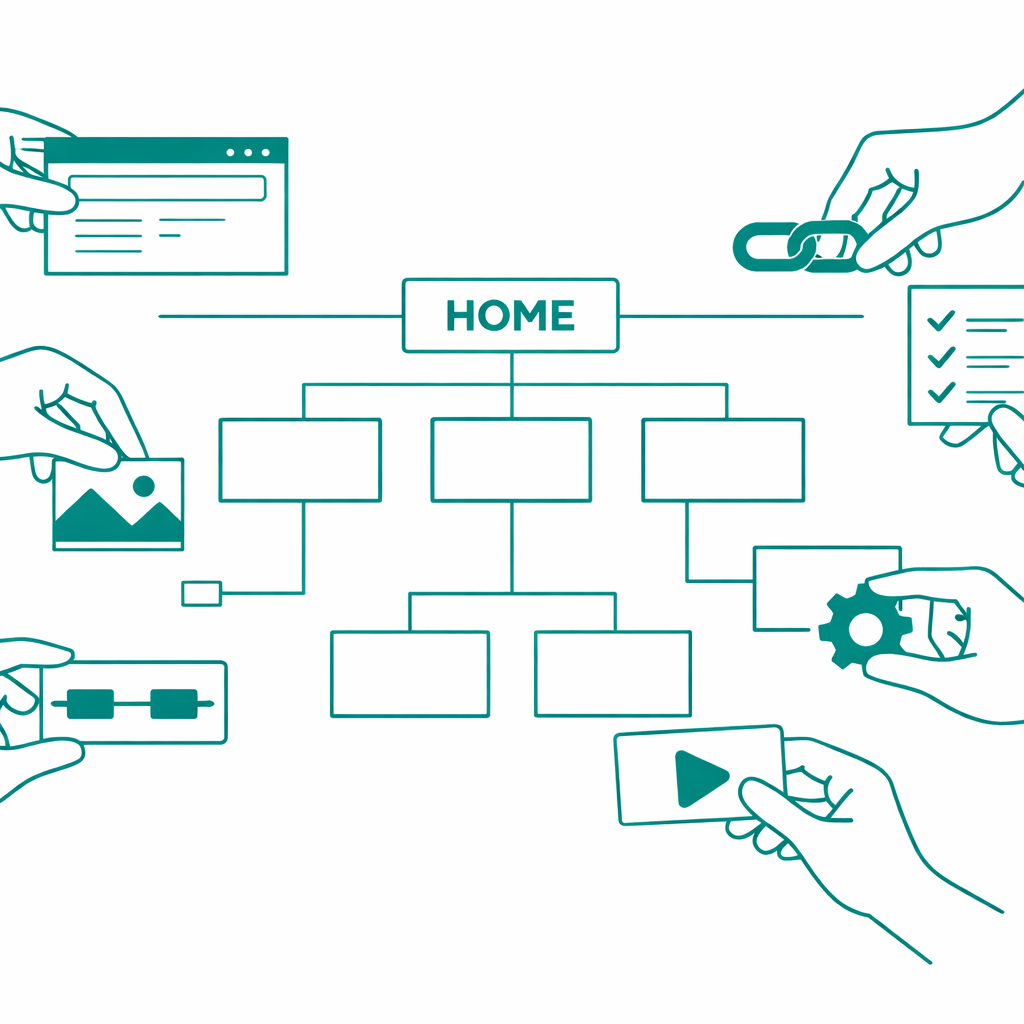
HubSpot, for example, treats modules as the building blocks of pages. You drag and drop them into templates. Each module has its own set of fields, its own configuration, its own logic. Your content lives inside those modules, and the modules live inside templates. It is a page-first approach.
A headless CMS, on the other hand, works completely differently. Content lives in entries. Entries belong to content types. Content types define the shape of the data. There are no page templates in the same sense. There is no drag-and-drop. Content is structured as data first, and presentation is handled separately by a frontend application.
These two systems do not think the same way. And when you try to take content that was built inside one philosophy and force it into another, you run into problems that a spreadsheet export will never reveal.
The Module Translation Problem
Here is a concrete example.
Say your HubSpot site uses a module called "Two Column CTA Block." It has a heading field, a body text field, a button label, a button URL, and a background image. Simple enough.
Now you need to move that into a headless CMS. Do you create a content type called "Two Column CTA Block"? Do you make it a modular block inside a larger page content type? Do you break it apart into a reusable field group that can be shared across multiple content types?
The answer depends on how the content will be used. And that is the problem. Most migration plans do not ask this question early enough.
If you just replicate the old structure one to one, you end up with a headless CMS that is organized like a page builder. You have dozens of content types that only make sense in the context of the old site. You lose the entire benefit of moving to a structured content platform.
If you redesign everything from scratch, you risk losing content relationships, breaking the migration timeline, and confusing the team that has to manage the content after launch.
The right approach is somewhere in the middle, and finding that middle ground requires understanding both systems deeply before a single entry gets migrated.
Fields Do Not Map the Way You Expect
Another thing that catches teams off guard: field types between CMS platforms are not equivalent.
A rich text field in HubSpot might contain embedded images, inline styles, and custom HTML. A rich text field in your target CMS will have its own rules about what it accepts and how it renders content.
An author field in one system might be a simple text string. In another, it is a reference to a separate content type. If your migration script treats them the same way, you end up with broken references, missing data, or entries that look fine in the backend but render incorrectly on the frontend.
Image fields are another common trap. One platform stores the image URL directly. Another expects an asset reference with metadata like alt text, dimensions, and file type. If your migration does not account for this, you either lose your images or lose the metadata that makes them accessible and SEO friendly.
We ran into this exact scenario during a large scale migration. Blog entries came through with author names as plain text instead of proper references. Alt text was stripped from inline images. Hyperlinks inside rich text fields rendered differently than expected. None of these issues showed up in the data export. They only became visible during QA, entry by entry. This is why bulk editing capabilities matter so much during and after a migration. When you discover a systemic issue across hundreds of entries, you need a way to fix it at scale, not one page at a time.
Content Types Are Not Just Containers
One mistake I see teams make repeatedly is treating content types as simple containers. As if migrating content is just about getting the data from Point A to Point B.
Content types define relationships. They define how one piece of content connects to another. A blog post might reference an author, which references a team page, which references a department taxonomy. Break one of those links during migration, and the chain falls apart.
In a headless CMS, these relationships are even more important because there is no template layer to paper over the gaps. If a reference is broken, the frontend application will either show nothing or throw an error. There is no fallback "close enough" rendering like you might get in a traditional CMS.
Planning these relationships before migration starts is not optional. It is the difference between a clean launch and weeks of post-launch debugging.
Multilingual Content Adds Another Layer
If your site runs in multiple languages, the complexity multiplies.
Different CMS platforms handle localization differently. Some use entry-level localization, where each translation is a variant of the same entry. Some use separate entries per language with a shared reference. Some use field-level localization, where individual fields within an entry can hold different values per locale.
During a migration, you need to understand both the source system's localization model and the target system's model. If they do not align, and they usually do not, you need transformation logic to bridge the gap.
We worked on a project that involved 11 languages across thousands of entries. The source system stored translations in a way that was completely different from how the target system expected them. Without a clear mapping of how each locale's content would be restructured, the migration would have produced thousands of orphaned or incorrectly linked entries.
This is not something you figure out during the migration. This is something you plan for weeks before the first batch of content moves.
What a Good Migration Actually Looks Like
A good CMS migration is not a lift and shift. It is a content architecture project that happens to involve moving data.
Here is what that looks like in practice:
Start with a full content model audit. Not just "what pages do we have," but "how is content structured, what fields exist, what references exist, and how does it all connect." Export the content model from both the source and target systems and compare them side by side.
Map every content type, every field, and every reference. Identify where the source model and target model diverge. Document the transformation rules for each divergence. This is the most tedious part, and it is also the most important.
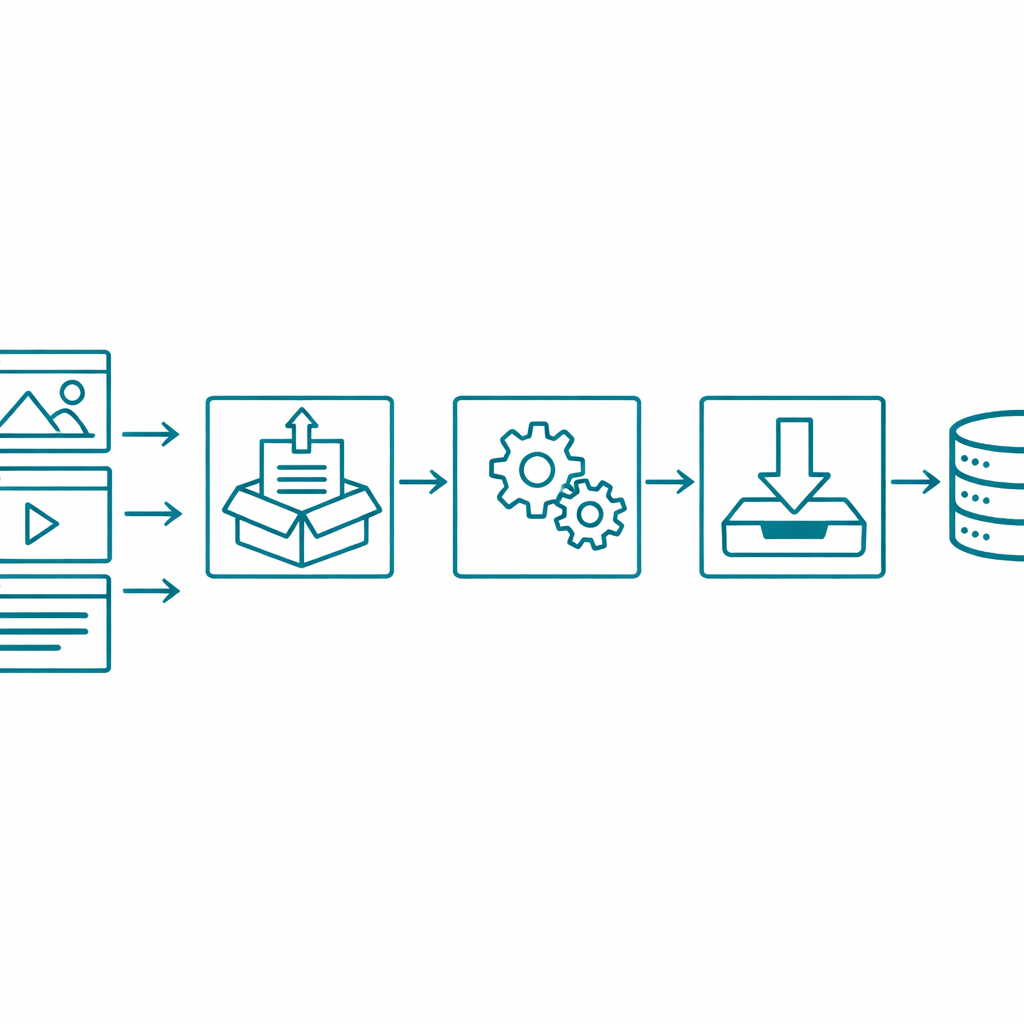
Build transformation logic before you start moving data. Every field that needs conversion, every reference that needs remapping, every rich text block that needs restructuring should have a documented rule.
QA at the entry level, not just the batch level. A migration can succeed at the data level and still fail at the content level. Check individual entries across content types. Verify that references resolve correctly. Confirm that rich text renders as expected. Test multilingual entries to ensure locale relationships are intact.
Plan for iteration. No migration gets everything right on the first pass. Build your process so that you can run it, review it, fix issues, and run it again without starting from scratch. And make sure you have proper backups and audit trails in place before you start. One bad batch run without a rollback plan can set a project back by weeks.
Why This Matters More Than Most Teams Realize
The CMS migration industry is growing because companies are outgrowing their platforms. HubSpot users move to headless systems for flexibility. WordPress users move for scalability. Drupal users move for modern developer experience.
But the conversation around migration is still dominated by agencies selling the move as a project with a start date and an end date. They talk about timelines and launch dates. They rarely talk about what happens to content structure during the transition. Or about the real challenges of editing content at scale once the migration is done and the cleanup begins.
That gap is where problems live. And it is where the real work of migration happens.
If you are planning a CMS migration, do not start with the timeline. Start with the content model. Understand how your content is structured today, how it needs to be structured tomorrow, and what has to change in between.
The data will move. The structure is what needs your attention.
At Smuves, we work on content engineering challenges like these every day. From content audits that expose structural complexity before a migration starts, to the transformation logic that bridges the gap between CMS platforms, our team helps companies move content without losing what makes it work. If your team is planning a migration and wants to get the structural piece right, reach out.